

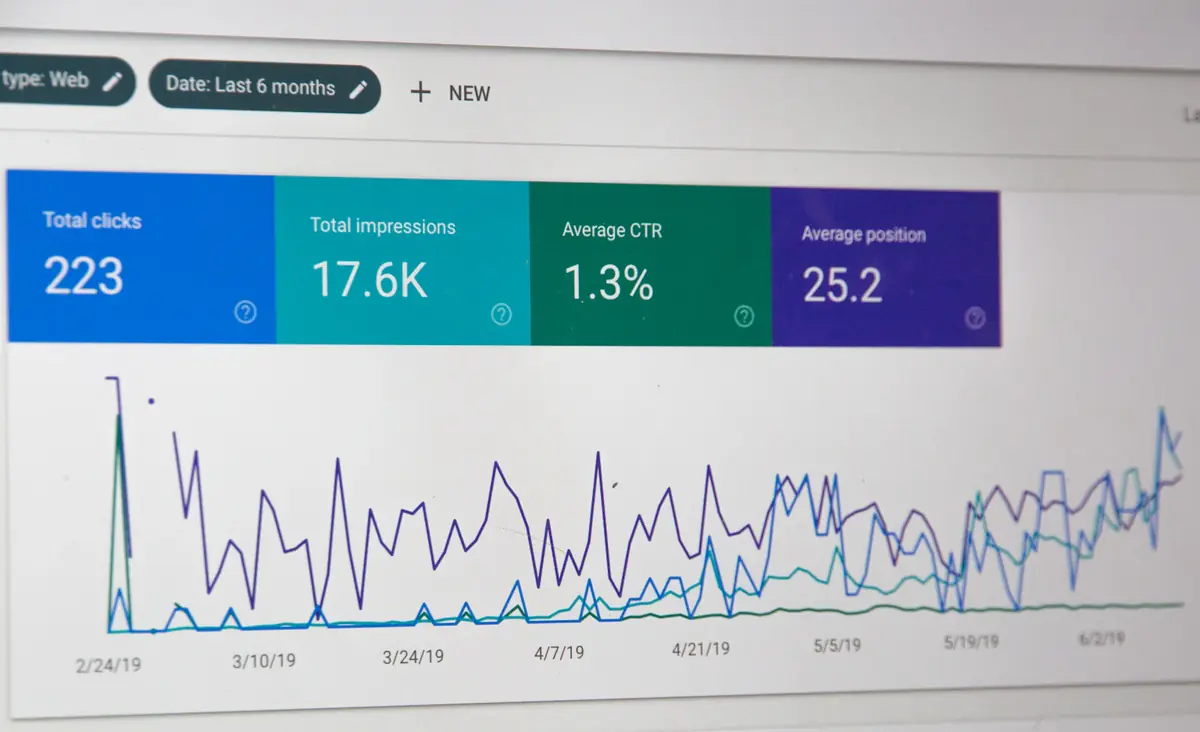
Strong keywords and design will not help if your site loads slowly. Speed quietly decides who gets the traffic, and who keeps it.
Key takeaways
- Speed is a confirmed Google signal through Core Web Vitals, but its bigger effect is on people: slow pages lose visitors before they read anything.
- Measure with real-user (field) data first, then use lab tools like Lighthouse to find the cause.
- Most slow sites are slow for the same few reasons: oversized images, too much JavaScript, third-party scripts and weak hosting.
- Static, pre-rendered pages served from a CDN are the simplest way to get fast and stay fast.
Speed is an SEO factor and a business factor
When people talk about SEO they usually talk about keywords, backlinks and content. Speed rarely makes the list, which is exactly why it is underrated. Google has said for years that page experience matters, and it measures that experience with a set of metrics called Core Web Vitals. The three that matter most today are Largest Contentful Paint (how quickly the main content appears), Interaction to Next Paint (how quickly the page responds when someone taps or clicks) and Cumulative Layout Shift (how much the page jumps around while loading).
To be clear, speed is one signal among many. A fast page with poor content will not outrank a slower page that answers the question better. But when two pages are similarly relevant, the one that feels better to use has the edge, and that is often decided by speed.
The more important effect is not on Google at all. It is on the person who clicked your result. If the page takes several seconds to show something useful, many of them will go back and try the next result. That visit is wasted: you paid for it with the time you spent on SEO, and it also tells search engines the result did not satisfy the search.
The targets worth aiming for
Google publishes "good" thresholds for each Core Web Vital, measured at the 75th percentile of real visits:
- Largest Contentful Paint (LCP): 2.5 seconds or less.
- Interaction to Next Paint (INP): 200 milliseconds or less.
- Cumulative Layout Shift (CLS): 0.1 or less.
These are not perfection scores. They are the line between "fine" and "frustrating", and passing all three on mobile is a realistic goal for almost any site.
How to measure speed honestly
There are two kinds of data, and they answer different questions. Field data comes from real visitors using real phones on real networks. You can see it in the Core Web Vitals report in Google Search Console and in the top section of PageSpeed Insights. Lab data comes from a simulated test, such as Lighthouse, run on a single page in a controlled setup.
Start with field data to learn whether you have a problem and which pages are affected. Then use lab tools to find the cause, because they give you a detailed breakdown and can be repeated after every change. A common mistake is to chase a perfect Lighthouse score on a fast laptop while real visitors on mid-range phones still struggle.
Always test on mobile first. Most search traffic is mobile, and phones have slower processors and less reliable connections than the machine you are building on.
The usual reasons a site is slow
After looking at many sites, the same causes appear again and again.
- Oversized images. A photo straight from a camera or design tool can be several megabytes. Serving it to a phone is wasteful.
- Too much JavaScript. Every script has to be downloaded, parsed and executed. Heavy themes, page builders and animation libraries add up quickly.
- Render-blocking resources. CSS and scripts that must load before anything can be drawn delay the first paint.
- Web fonts loaded badly. Several font families and weights, loaded late, cause both slow loading and layout jumps.
- Third-party scripts. Chat widgets, analytics, heatmaps, ad pixels and embedded videos each add requests you do not control.
- Slow hosting. If the server takes a long time to reply, nothing you do on the front end can fully make up for it.
- Too many plugins. This is especially common on WordPress, where each plugin may load its own styles and scripts on every page.
Fixes in the order that usually pays off most
You do not need to do everything. Work down this list and re-measure after each step.
- Fix the hero image. The largest image above the fold is usually the LCP element. Compress it, serve a modern format such as WebP or AVIF, size it correctly for the screen, and do not lazy-load it.
- Lazy-load everything else. Images and embeds below the fold should only load when the visitor scrolls near them.
- Set width and height on images and embeds so the browser reserves space and nothing jumps.
- Cut JavaScript. Remove unused libraries, split code so each page loads only what it needs, and delay non-essential scripts until after the page is interactive.
- Trim fonts. Use one or two families, only the weights you need, and let text show immediately while the font loads.
- Audit third-party scripts. Keep the ones that earn their place and remove the rest.
- Put a CDN in front of the site so files are served from a location near the visitor, and set long cache lifetimes on files that never change.
Why static, pre-rendered pages are such an easy win
A traditional dynamic site builds each page on the server every time someone asks for it. That means database queries, template processing and plugin code before a single byte is sent. A static or pre-rendered site does that work once, at build time, and then simply hands out finished files. Those files can be cached on a global CDN, so the server does almost nothing per visit.
The result is a fast first response, very few moving parts to break, and far less to secure. It is also good for search, because the full content is already in the HTML when a crawler arrives. For marketing sites, company sites and blogs, this approach is hard to beat.
Speed also helps conversions
Speed is not only about rankings. People trust fast sites more, they finish forms and checkouts more often, and they are more likely to come back. For an online store or a lead-generation site, shaving a second or two off the load time can matter as much as a design change, and it costs nothing in ongoing effort once it is done.
A 30-minute speed checklist
- Run your home page and your most important landing page through PageSpeed Insights on mobile.
- Open the Core Web Vitals report in Search Console and note any pages marked Poor or Needs improvement.
- Check the largest image on each key page: is it compressed and correctly sized?
- List every third-party script on the page and decide which you can remove.
- Check your hosting response time. If the server itself is slow, plan a move.
- Fix one thing, measure again, and repeat. Small, measured steps beat a big rewrite.
Frequently asked questions
Is page speed a direct Google ranking factor?
Google uses page experience signals, including Core Web Vitals, as part of its ranking systems. They are one signal among many, and relevance and content quality still matter most. The larger gain from speed usually comes from lower bounce rates and better conversions.
What is a good PageSpeed score?
Do not chase a single number. Focus on passing the three Core Web Vitals (LCP, INP and CLS) using real-user data. A green score in the lab is useful, but it is the field data that reflects what visitors experience.
Will switching to a static site make my site faster?
In most cases, yes, because pages are built ahead of time and served from a CDN. The size of the improvement depends on what made the old site slow, so measure before and after.